Applications
Examples
Getting started
A viewer in React
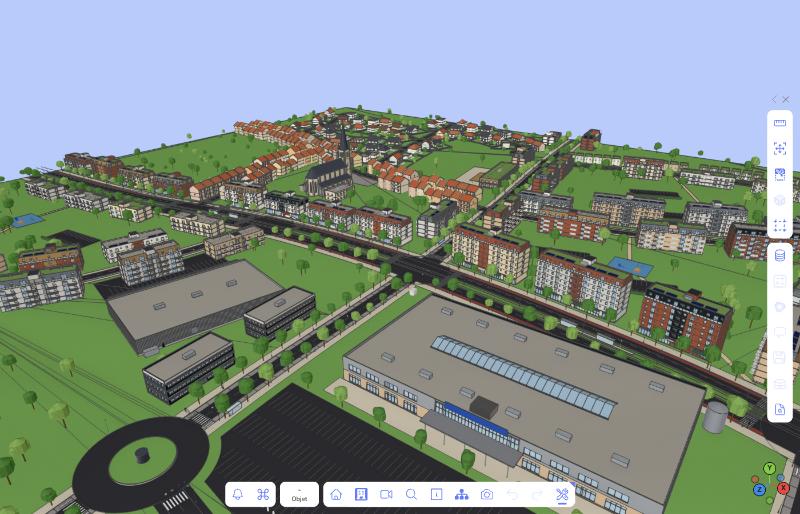
A viewer and its viewport in a React app: ViewportContainer mounts it, with the camera gizmo and the toolbar.
A viewer on your own canvas
Mount the viewport on a canvas of yours (asynchronously: WebGPU, else WebGL2), unmount it when done.
Listening to events
Connect to the viewer's signals in a React component (here the loading's progress), and disconnect on unmount.
Notifications
Push a notification to the viewer's notification center, update it, and follow its read status.
Settings
Configure the viewer, change a setting, follow its changes, and bind it to a React component with useSetting.
Loading
Loading a twin
Load a Teia twin with the Teia plugin's LoadTwinCommand, from a React button.
Loading files
Load .glb, .gltf and .mgeom files with LoadCommand, setting each object's state before it is drawn (onMeshLoaded).
Scene and objects
A mesh of your own
A SceneMesh with its engine object, its controller (what the transform tool may do), an undoable add command, moved with the transform tool or from code.
An undoable command
A Command with its _do and _undo, composing another command, in the undo history.
Viewport
A context menu
Add your actions, groups and submenus to the context menu of the viewport, depending on the object clicked.
A keyboard shortcut
Declare a shortcut action, its keys, and what it does.
Interaction filters
Restrict which objects the user may select, pick or move with the viewport's InteractionController.
Picking in an operator
A viewport operator reading the objects under the pointer, and a raycast of the scene from code (scene.raycaster).
Plugins
A developer tool
Add a panel of your own to the developer tools (Tweakpane).
A plugin
A plugin with its settings class, wired to a signal and driving a command, registered with its config.